
Christmas Party Invitations
Jingle All the Way to Your Party! Discover free Christmas party invitation templates to celebrate the season. Customize festive designs, then download, print, or share online and effortlessly manage RSVPs for an unforgettable holiday event.
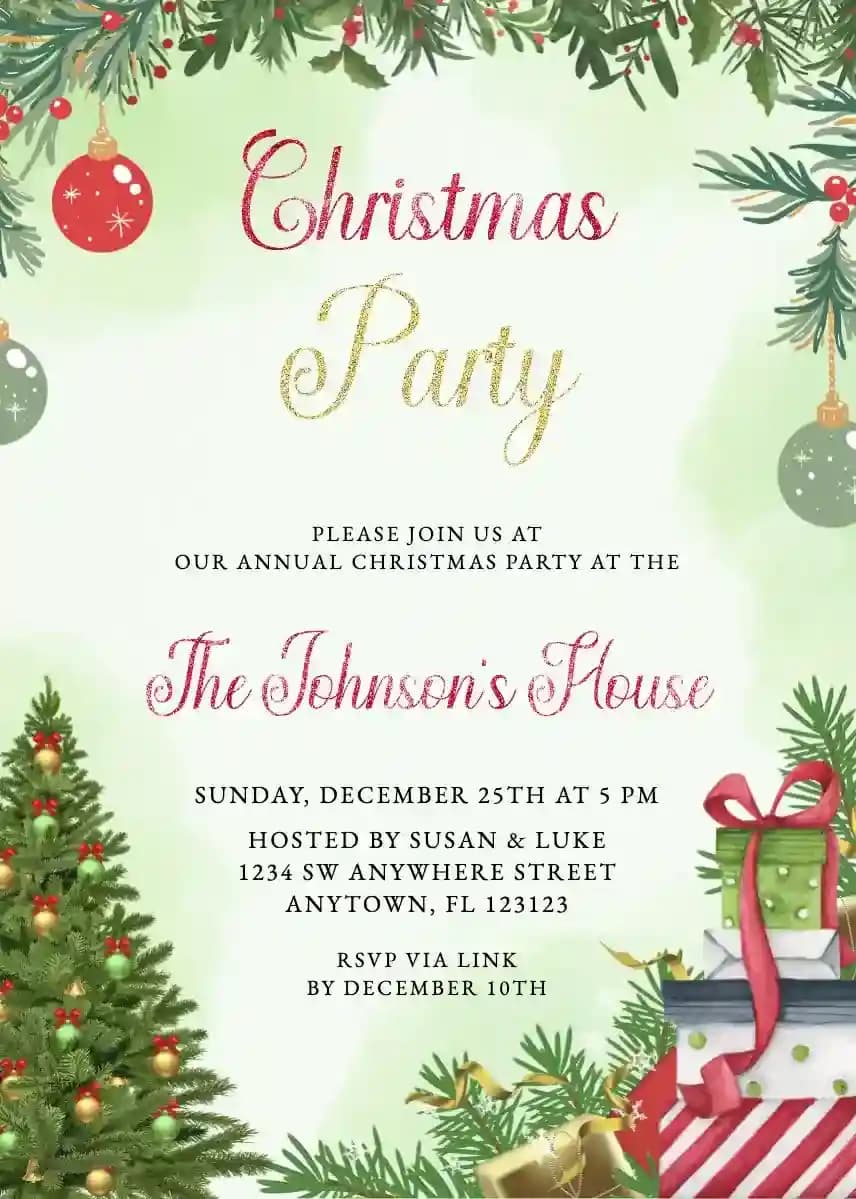
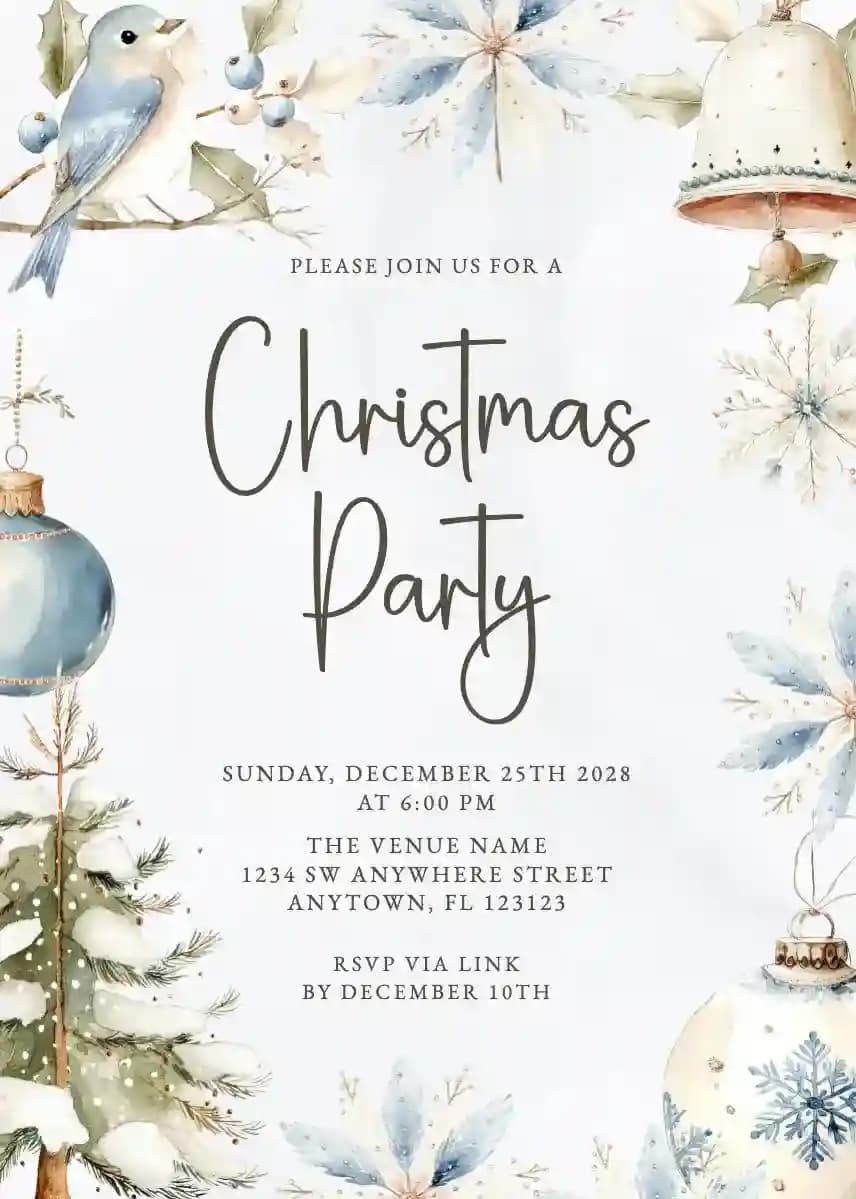
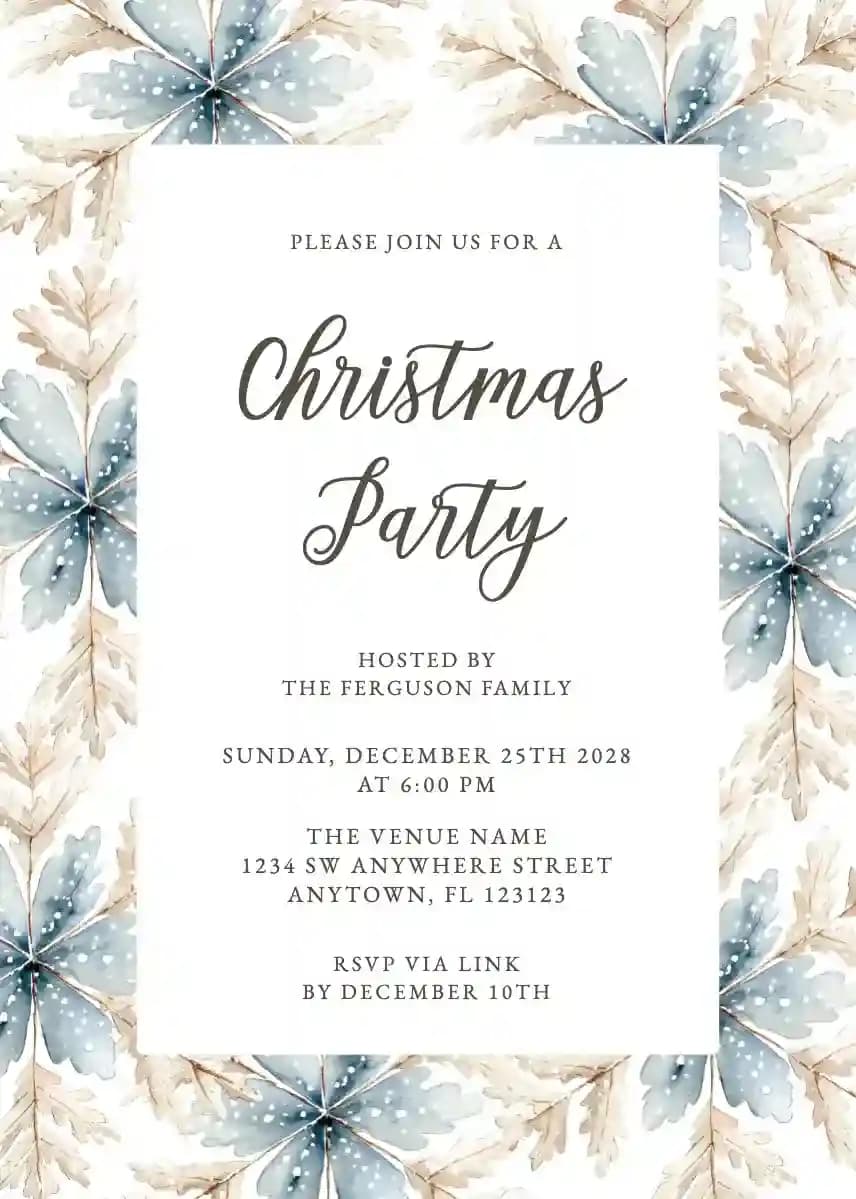
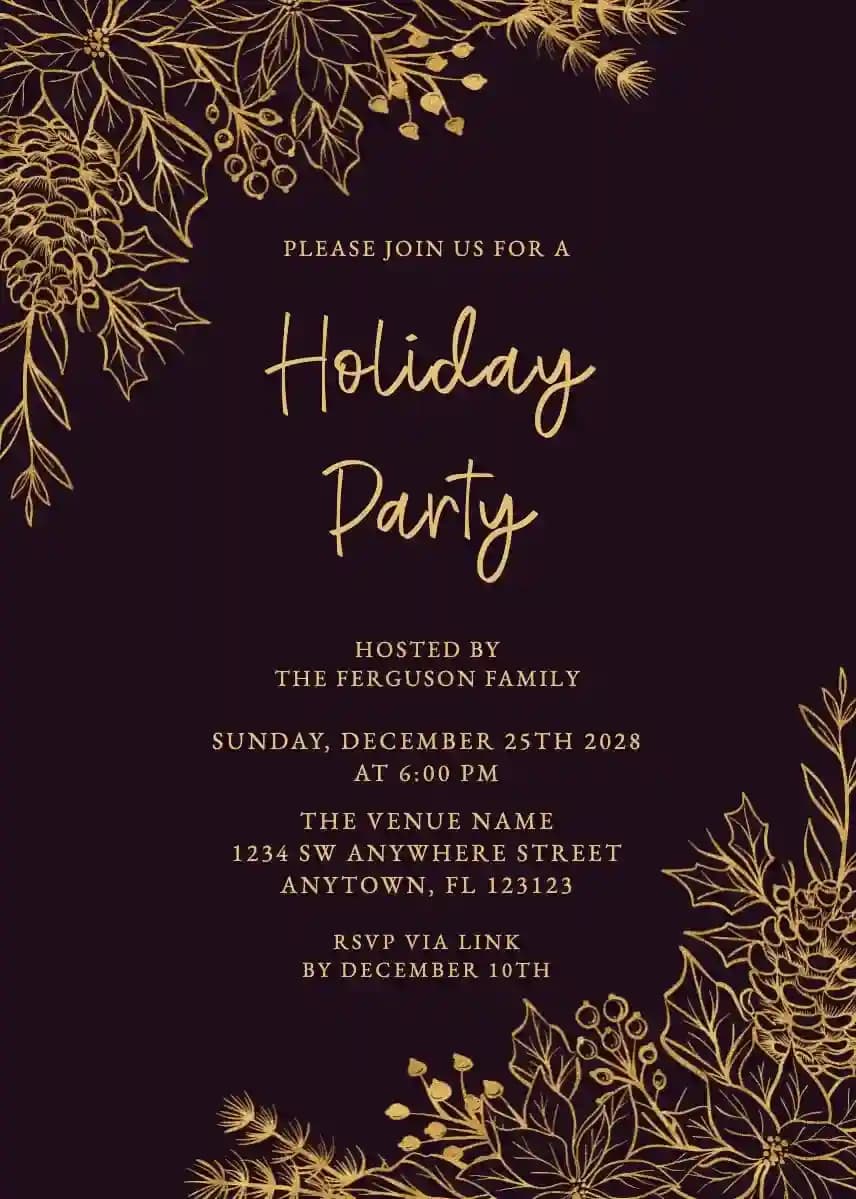

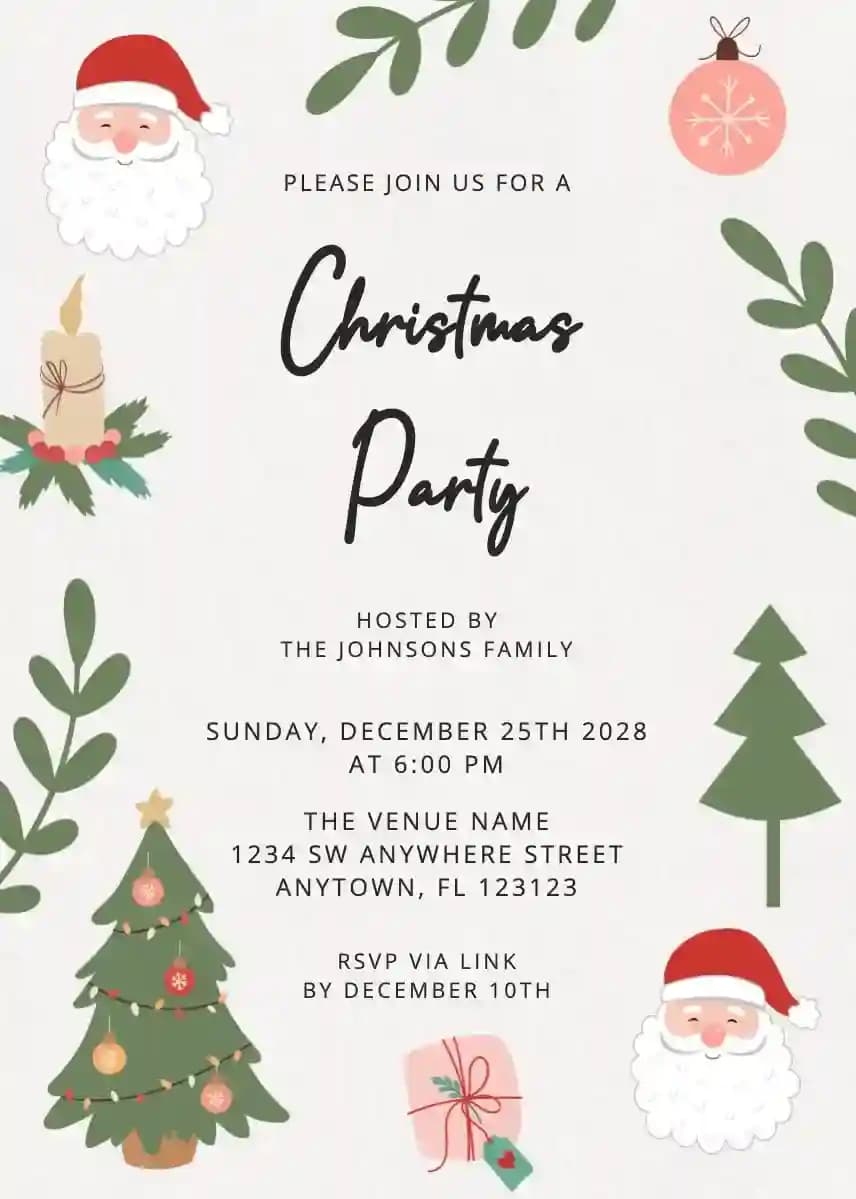
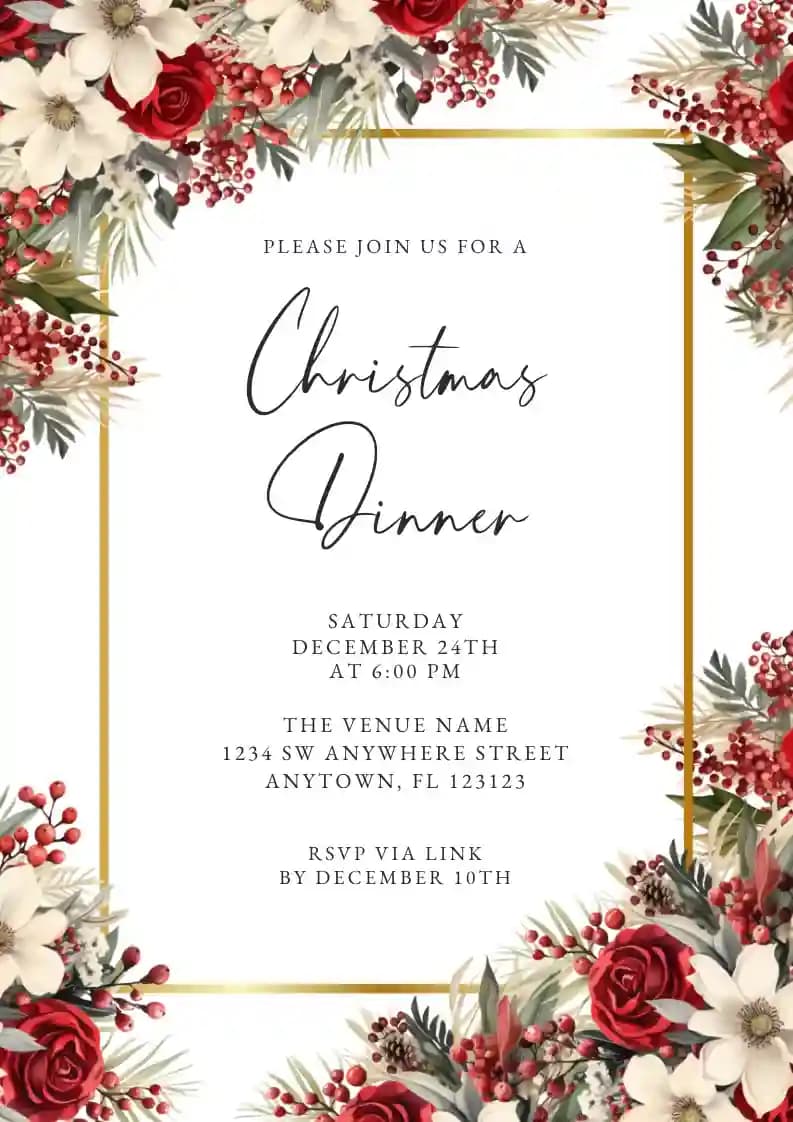


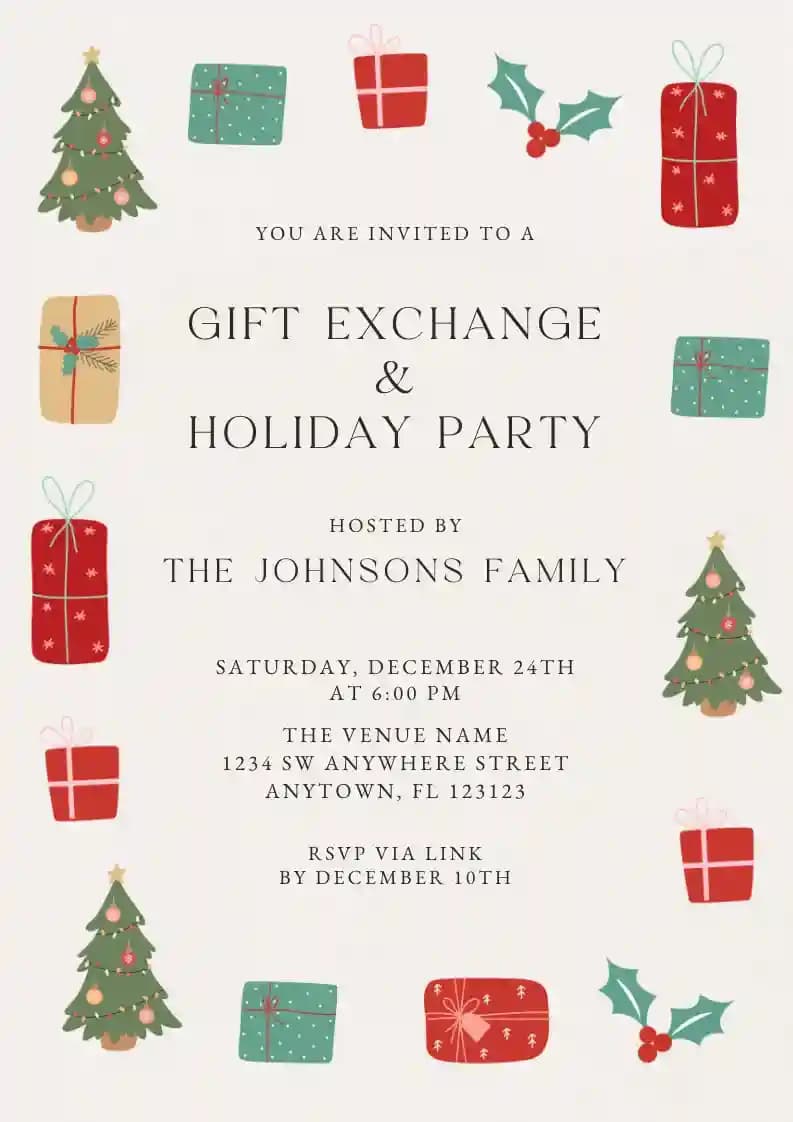

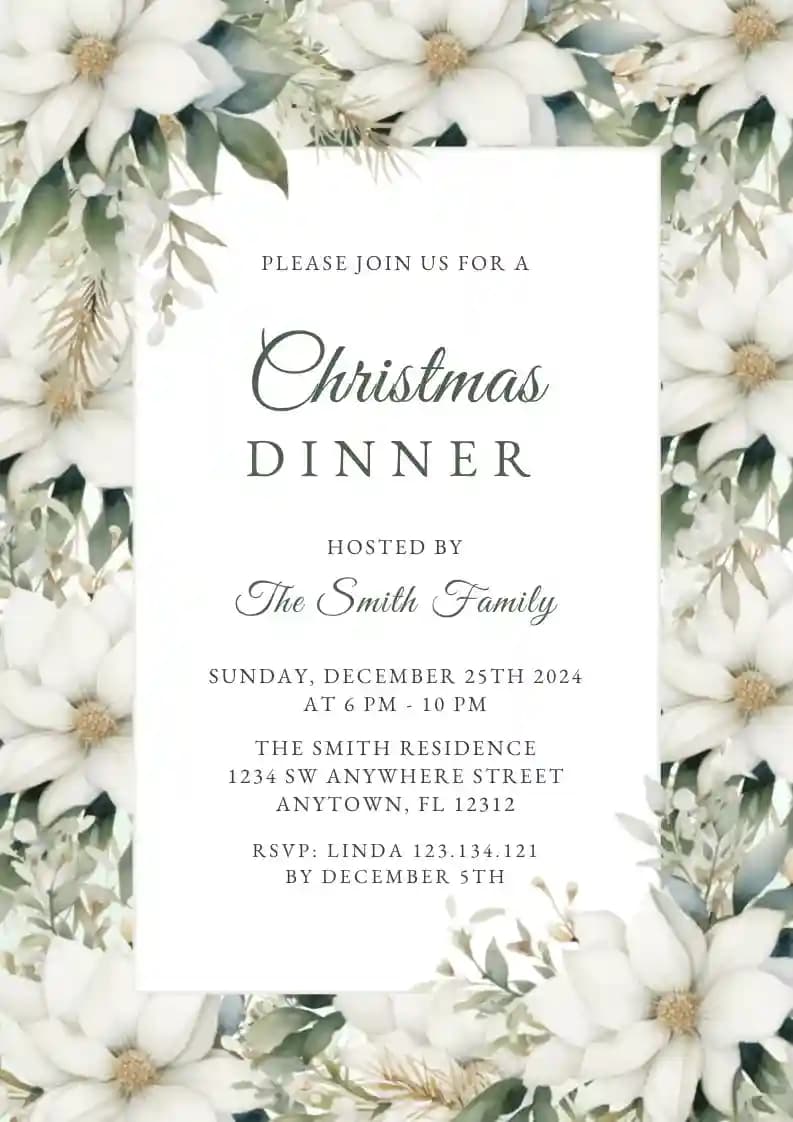

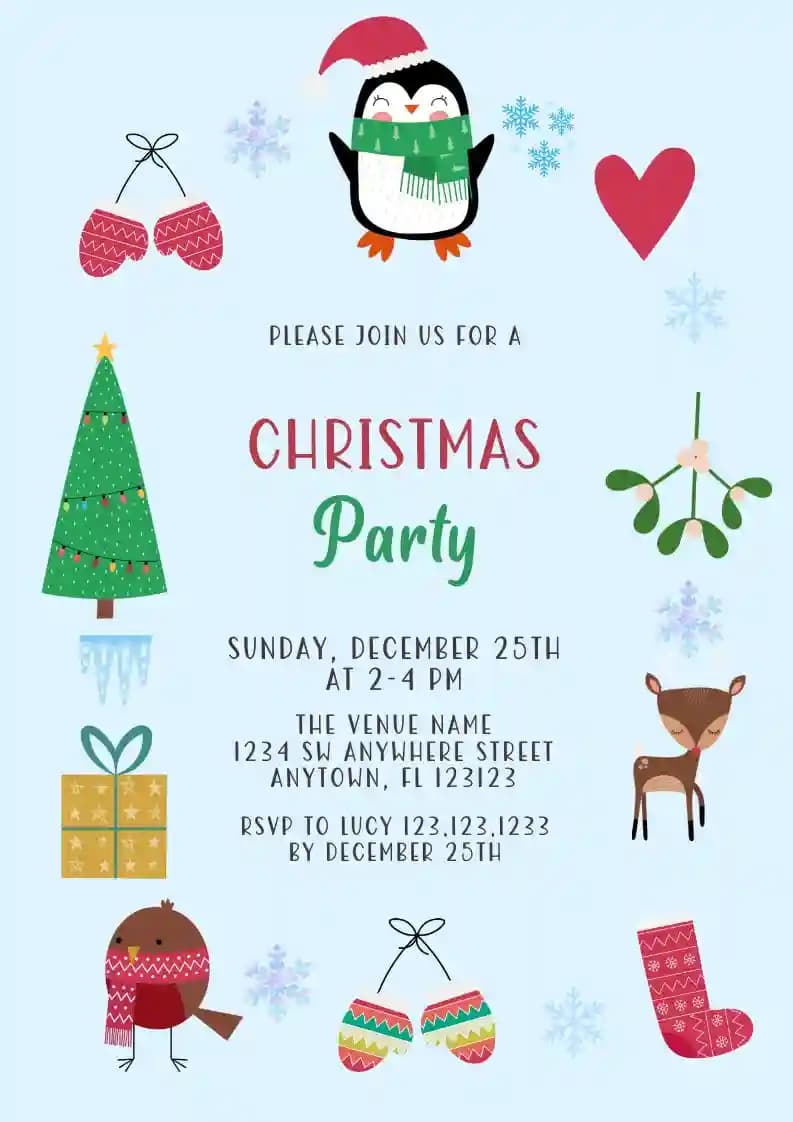

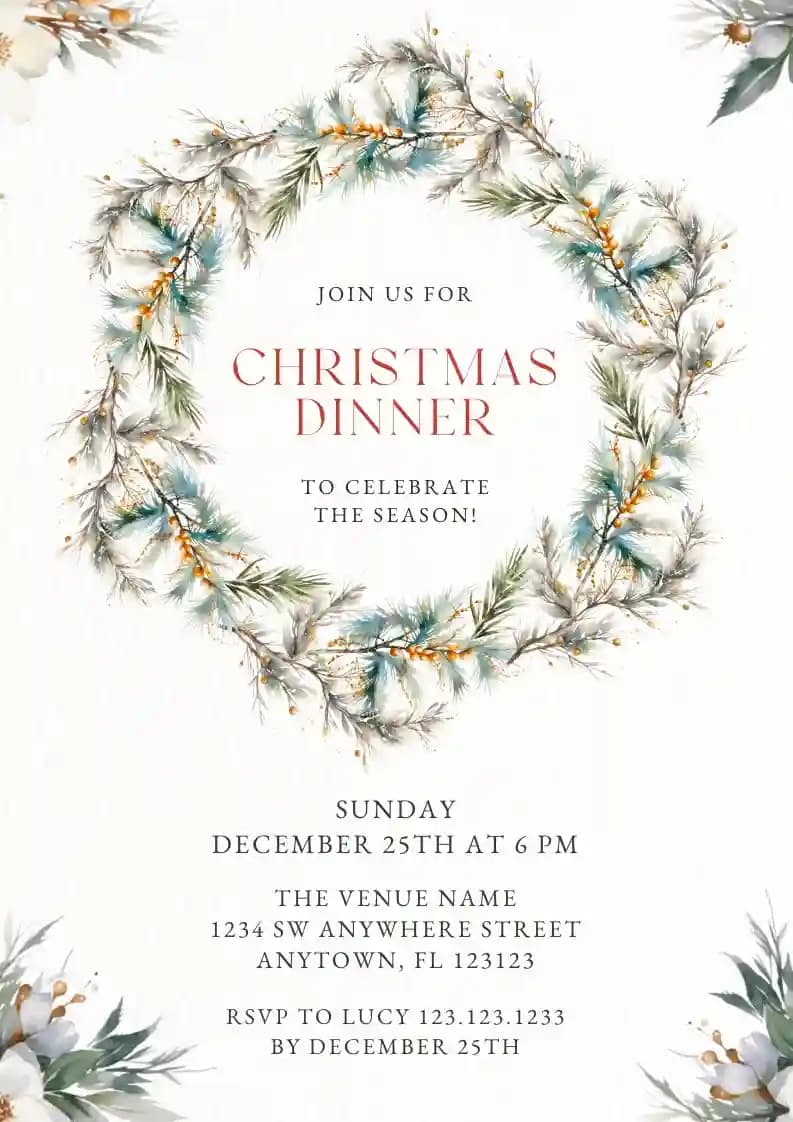

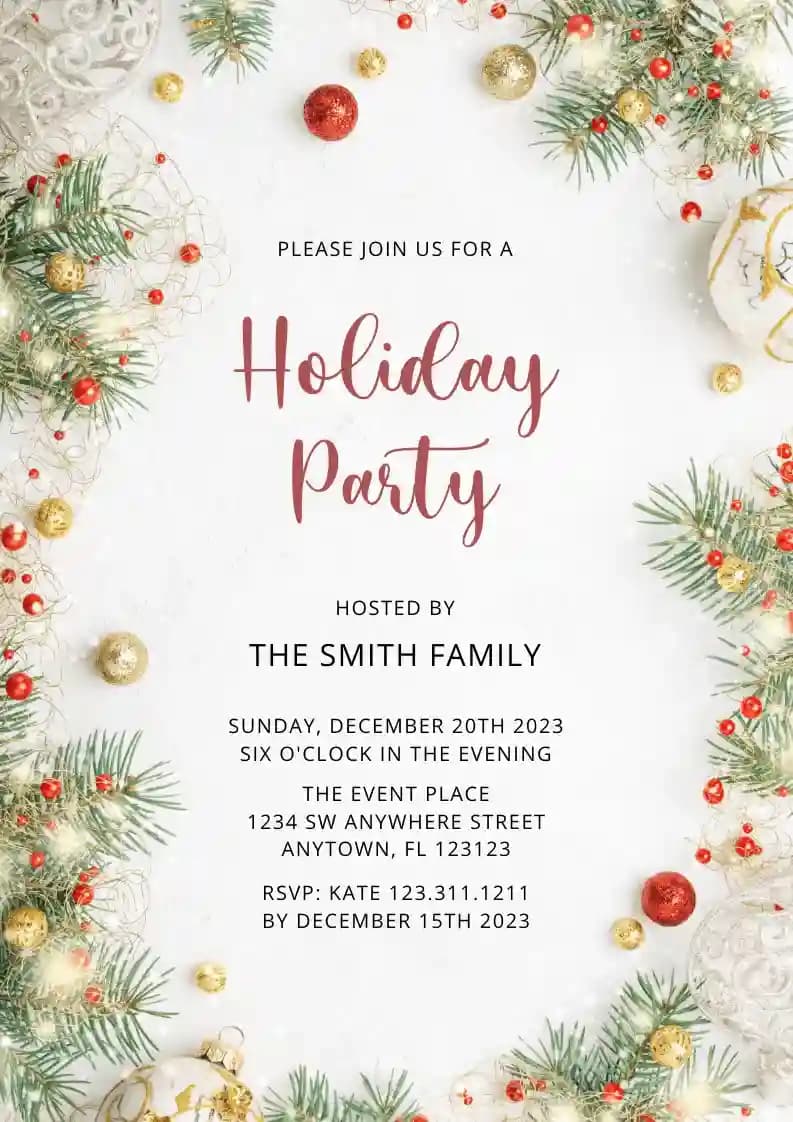
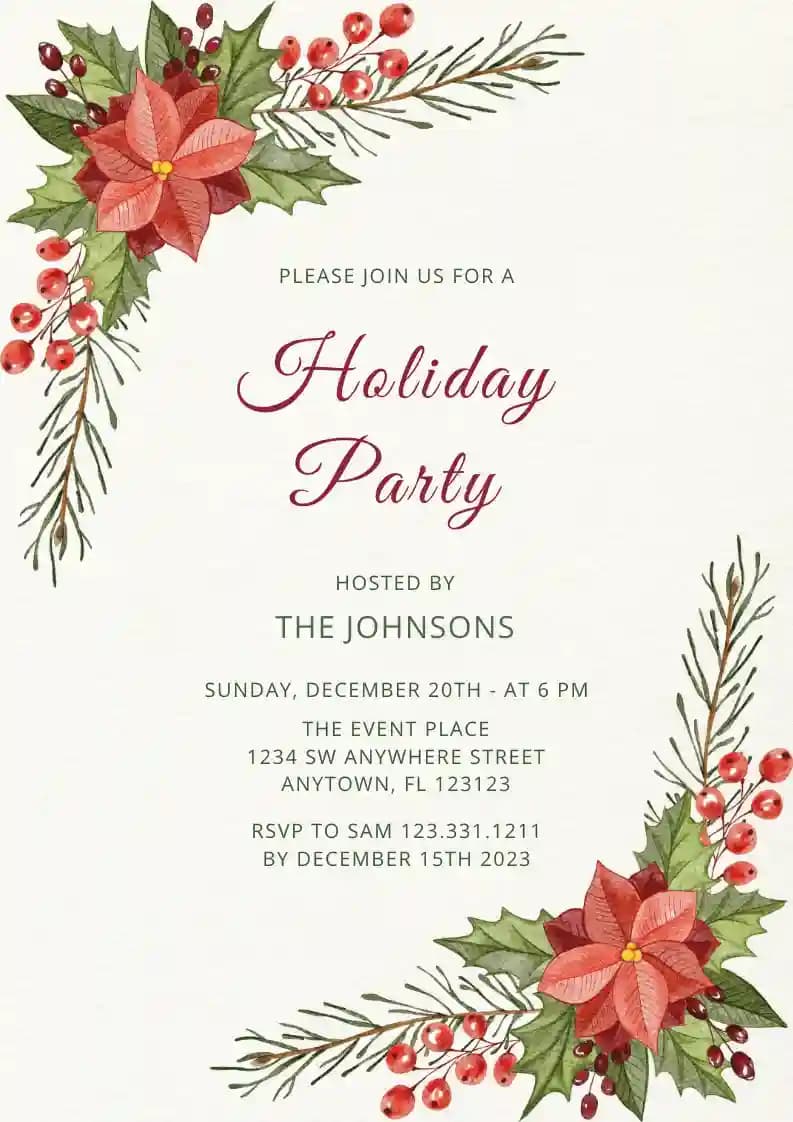


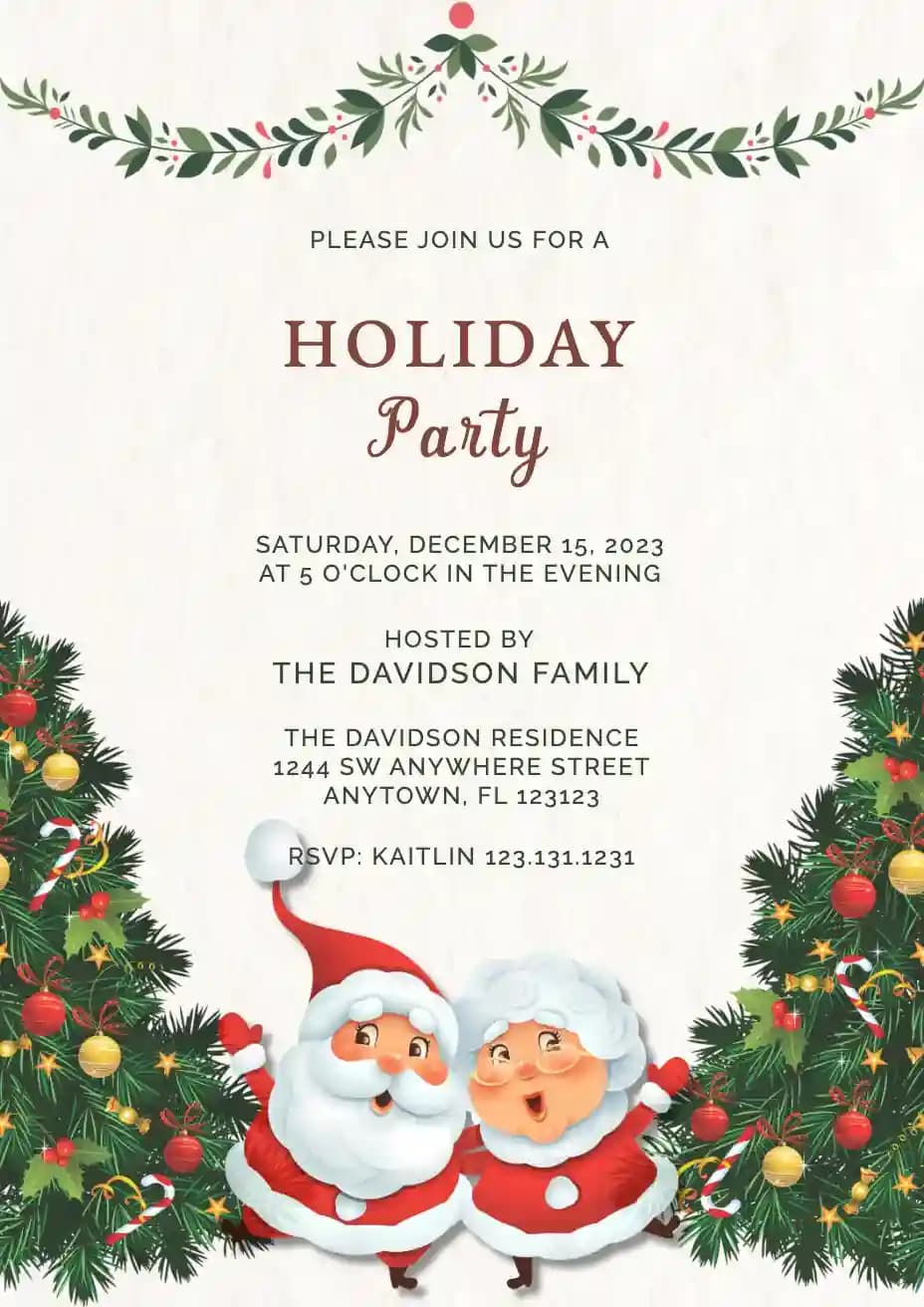
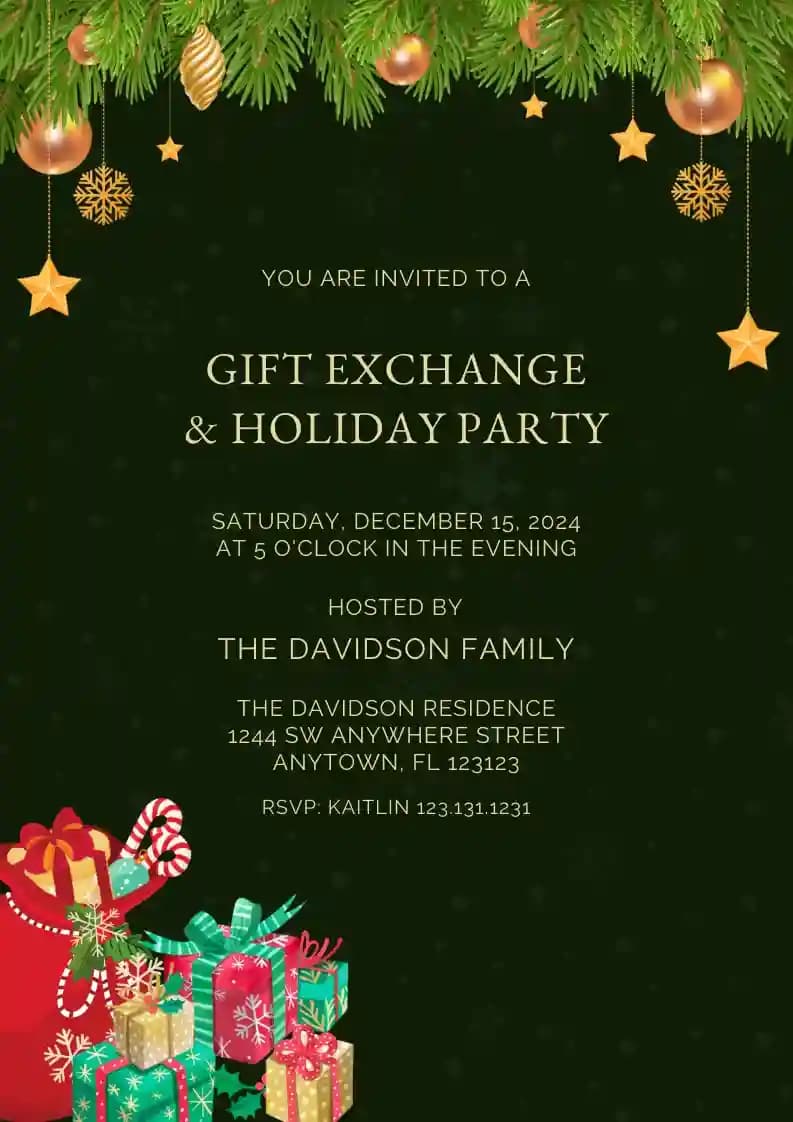


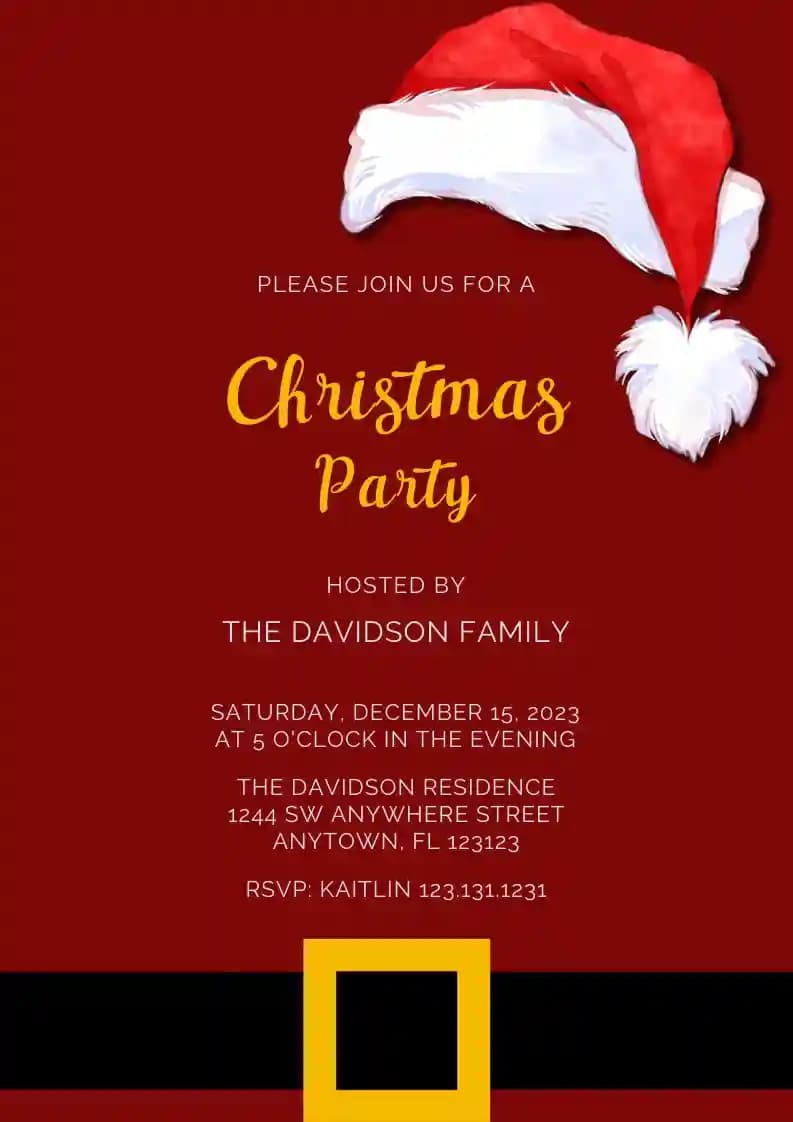
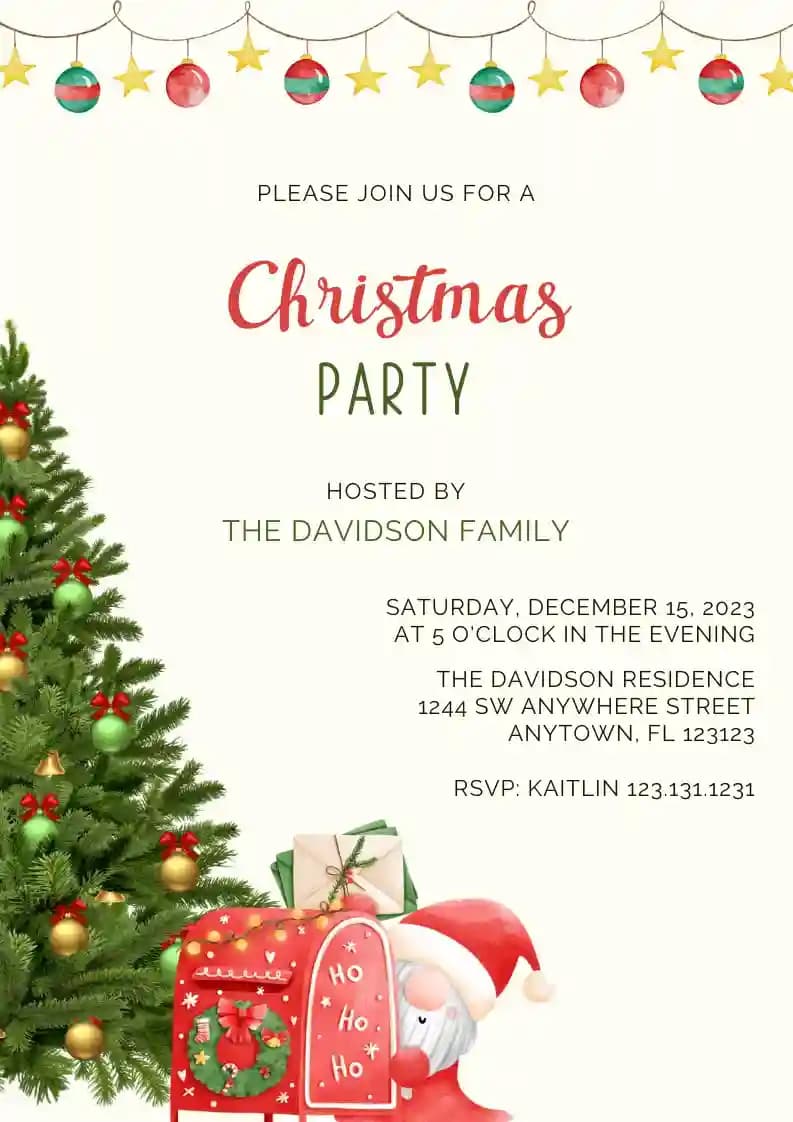
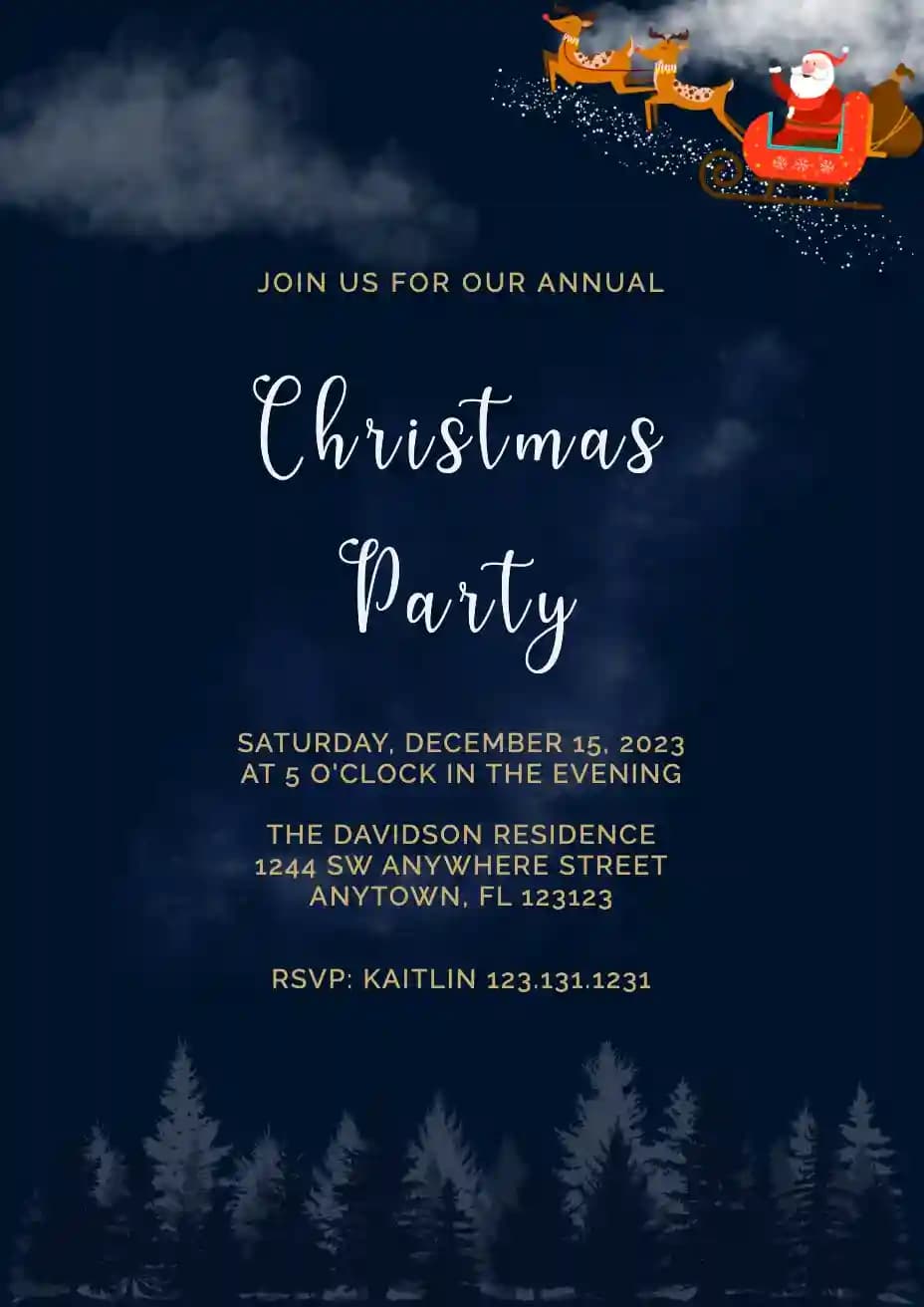
Free Christmas Party Invitation Templates you can edit online
Christmas is a joyful and festive season filled with warmth, celebration, and togetherness. It is the perfect time to gather with family, friends, or colleagues and share memorable moments.
Planning your Christmas party starts with one simple step: the invitation. Browse the templates above and start creating your Christmas party invitation in minutes. It is the easiest way to make your event feel organized and exciting from the very beginning.
Our Christmas party invitation templates are designed to help you create beautiful, ready to send invitations quickly without any design experience.
Why Christmas Party Invitations Feel So Festive
Unlike regular gatherings, Christmas parties are filled with joy, tradition, and a sense of celebration. Whether it is a cozy family dinner or a lively office party, the atmosphere is always special.
That is why Christmas party invitations often feel bright, cheerful, and full of personality. They set the tone for a celebration filled with laughter, connection, and holiday spirit.
Start with a template that fits your Christmas party style
Choose a design that matches your celebration and customize it instantly. Whether you are planning a formal dinner, a casual get together, or a themed holiday party, you can edit everything online and share your invitation in minutes.
Explore 50+ Christmas Party Invitation Templates
Browse the collection above and explore 50+ Christmas party invitation templates designed for different styles and moods. From classic red and green designs with snowflakes and ornaments to modern and minimalist layouts, you will find a template that fits your celebration perfectly.
You can also explore New Year invitations for continuing the celebration into the new year.
Every design is fully customizable and can be edited directly online without any design experience.
What to Include in a Christmas Party Invitation
For Christmas parties, clear details help guests prepare and enjoy the celebration comfortably.
Make sure you include:
- Event name (Christmas party, holiday gathering, or dinner)
- Date and time
- Venue name and full address
- RSVP details with deadline
Helpful extras that make a difference:
- Dress code such as festive or themed outfits
- Gift exchange details if applicable
- Food or dinner information
- A short holiday greeting or message
Clear information helps guests feel prepared and excited for the celebration.
Planning a Joyful Christmas Party
Christmas parties are often lively and filled with activities, food, and entertainment.
- Choose a convenient time, usually evening or weekend
- Plan for food, music, and simple activities
- Create a warm and festive atmosphere
Sharing clear timing in your invitation helps guests plan ahead and enjoy the event fully.
When to Send Christmas Party Invitations
Sending invitations 3 to 4 weeks before the party is ideal, especially during the busy holiday season.
For office parties or larger gatherings, sending invitations earlier is recommended.
Set your RSVP deadline about one week before the event so you can finalize food, seating, and arrangements smoothly.
Why Digital Invitations Work Best for Christmas Parties
Digital invitations make it easy to organize and manage Christmas events during a busy time of year.
You can send invitations instantly, track RSVPs in one place, and update details quickly if needed.
With our online invitation platform you can:
- Send invitations instantly
- Update details anytime
- Track RSVPs in one place
- Send reminders before the event
This makes planning simpler and more efficient during the festive season.
Make It Festive and Memorable
A Christmas party invitation becomes more exciting when it reflects the holiday spirit.
- Use red, green, gold, or winter themed colors
- Add elements like snowflakes, ornaments, or Christmas trees
- Include a cheerful holiday greeting
These small touches help create excitement and a festive mood for your guests.
Why Use Invitanku
Invitanku templates are designed to make invitation creation simple while still looking festive and stylish. You can create, customize, and share your invitation in one place while managing RSVPs easily.
Everything is built to help you focus on celebrating the holiday season with your loved ones.
How to Create a Christmas Party Invitation
Simple steps to create a Christmas party invitation using Invitanku
Choose a template
Pick a design that matches your Christmas party theme.
Add event details
Fill in date, time, venue, and party information.
Customize the design
Adjust colors, text, or add festive elements.
Enable RSVP
Set your response deadline for easier planning.
Share instantly
Send via WhatsApp, email, or social media.
Ready to Create Your Invitation
Browse the templates above and start creating your Christmas party invitation in minutes. It is the easiest way to make your celebration feel festive and memorable.
Choose your favorite design now and create your invitation instantly.
Frequently Asked Questions
When should I send Christmas party invitations?
3 to 4 weeks before the party is ideal, especially during the busy holiday season.
What should I include in a Christmas party invitation?
Include event name, date, time, location, RSVP details, and optional information like dress code or gift exchange.
Can I track RSVPs easily?
Yes. Digital invitations collect all responses in one place so you can manage your guest list easily.
Should I use digital or printed invitations?
Digital invitations are faster and easier, but you can also download and print them if needed.
Can I include holiday greetings?
Yes. Adding festive greetings makes your invitation more cheerful and engaging.